Without a Gateway
Multiple URLs, credentials, and client configurations that drift as tools change.
Combine multiple MCP deployments behind one stable endpoint. Add or remove servers as your agent’s job changes—without updating every client configuration.
Without a Gateway
Multiple URLs, credentials, and client configurations that drift as tools change.
With a Gateway
One URL, one access policy, and a tool surface you can evolve centrally.
Run each MCP server as its own MCPLambda deployment so it keeps independent logs, analytics, secrets, and lifecycle controls.
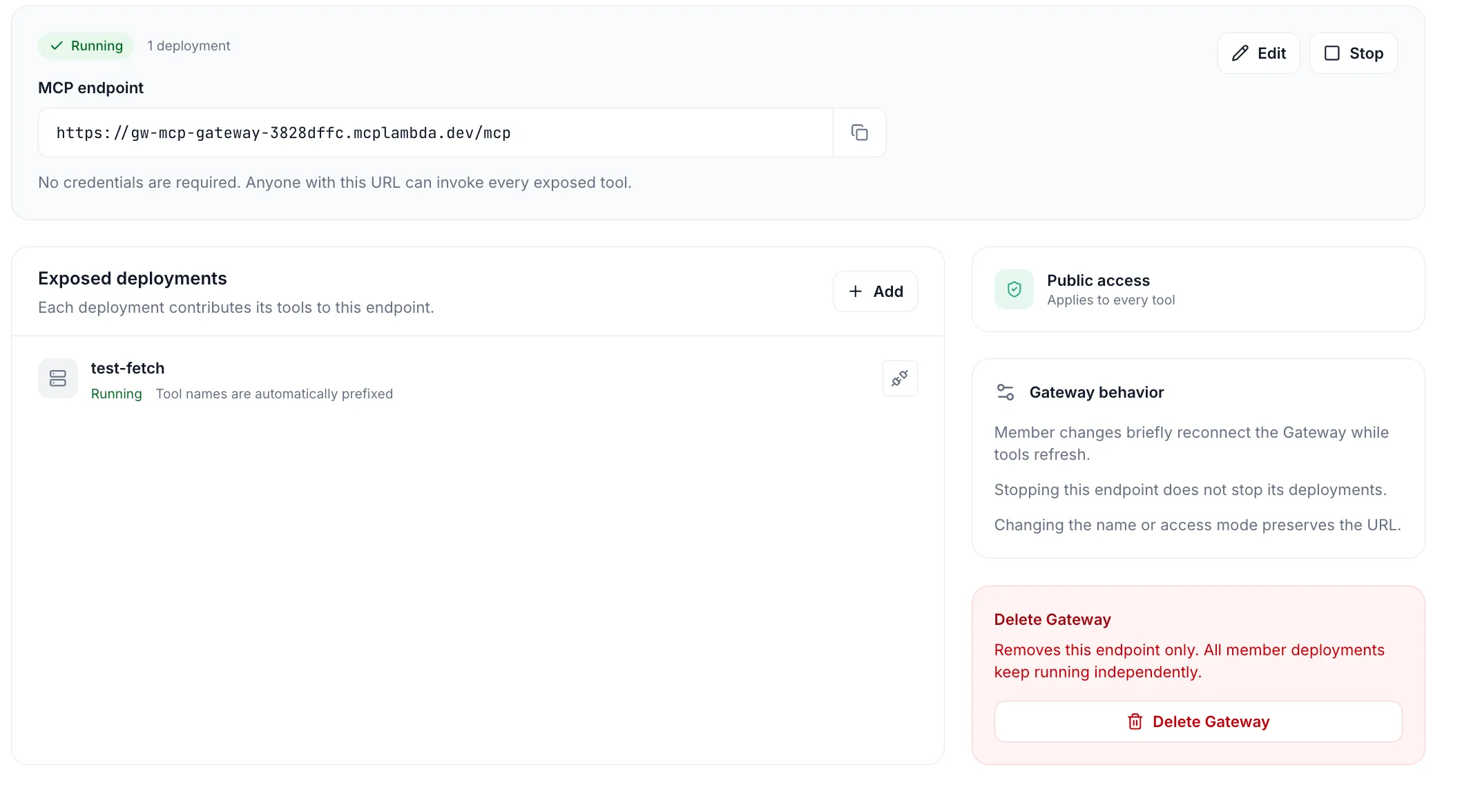
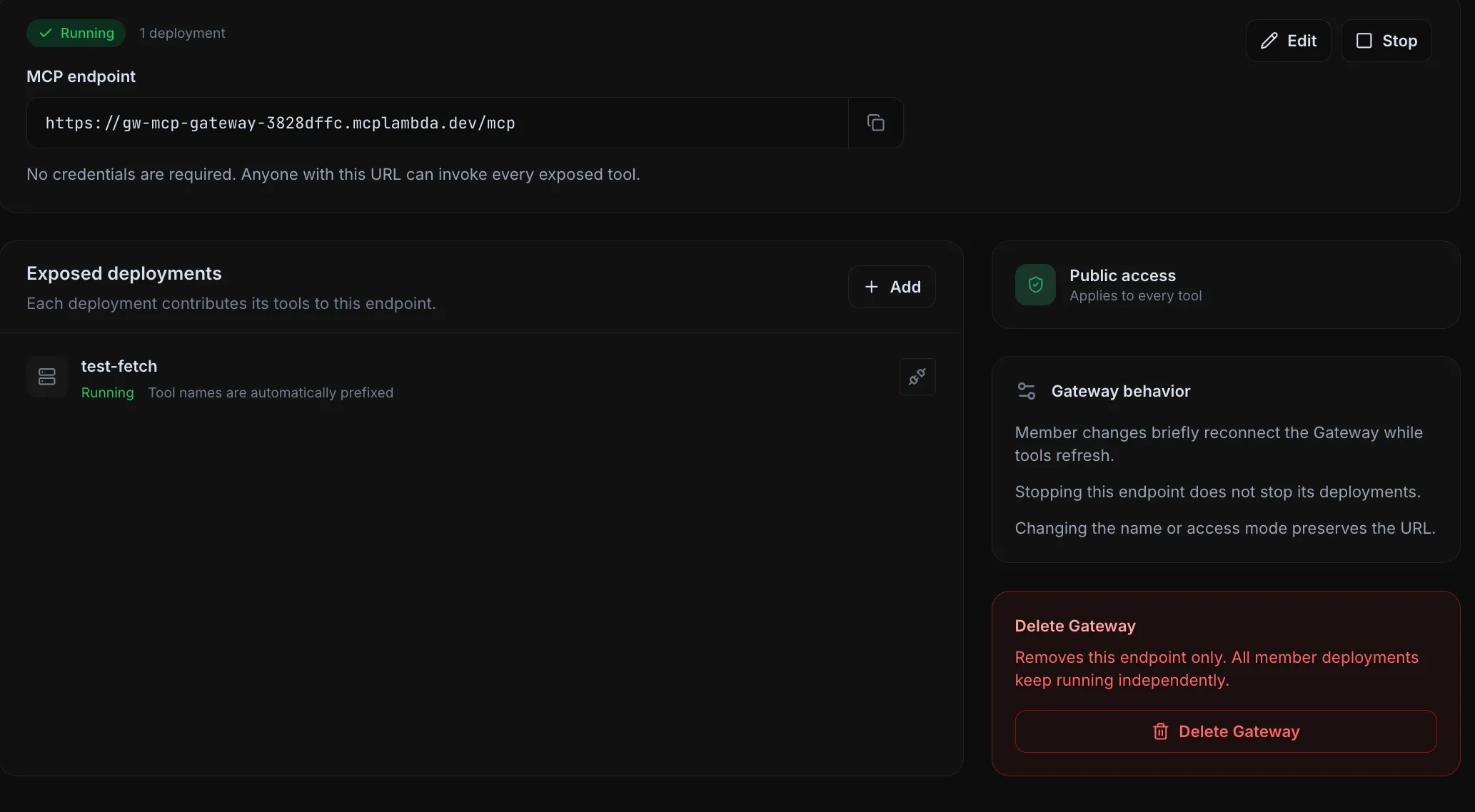
Select up to 20 running deployments in one project, then choose OAuth, API key, or public access for the combined endpoint.
Use the Gateway URL in Claude, Cursor, VS Code, or your own MCP client. Add or remove deployments later without changing that URL.
Authentication is Gateway-wide, so clients have one clear access path for every exposed tool.
Each user signs in and grants access from their MCP client. Best for teams and user-specific access.
Trusted clients send one expiring key in the X-API-Key header. Rotate the key from the Gateway details page.
Anyone with the URL can invoke every exposed tool. Use only when all member tools are safe for anonymous access.
Gateway OAuth authenticates the MCP client to MCPLambda. It does not replace OAuth or credentials that an underlying deployment needs to call a third-party service.
Combine repository, issue tracker, documentation, and deployment tools behind one client entry for every developer.
Give an agent a governed endpoint for the operational systems it needs while each underlying server stays independently manageable.
Create a focused Gateway per project so agents see the tools for the job instead of one sprawling organization-wide catalog.
Create a Gateway from running deployments in your MCPLambda project.
Create a GatewayThe practical details behind one URL for many deployments.
A Gateway combines tools from multiple running MCPLambda deployments behind one stable MCP endpoint. You manage the member deployments independently while clients connect to the Gateway URL.
No. You can add or remove deployments without changing the URL. The Gateway briefly reconnects while its tool list refreshes, and connected clients may need to reconnect to discover the updated list.
Authentication is configured once at the Gateway level and applies to every exposed tool. Choose OAuth, an expiring API key sent with X-API-Key, or public access. OAuth authenticates the client to your Gateway; it does not broker OAuth to third-party SaaS products.
Nothing is deleted or stopped underneath. Member deployments keep running and remain independently manageable; only the combined Gateway endpoint is affected.
Tools are automatically prefixed by their member deployment so similarly named tools can coexist in the same Gateway.
A Gateway can include up to 20 running deployments from the same project. A deployment can belong to one Gateway at a time.
